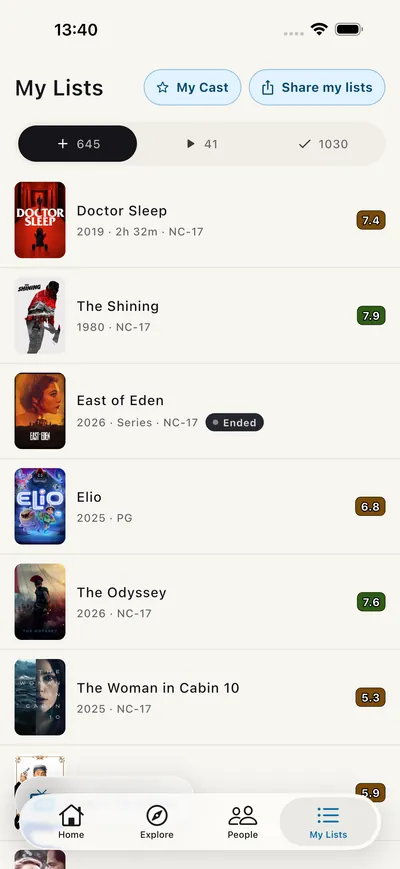
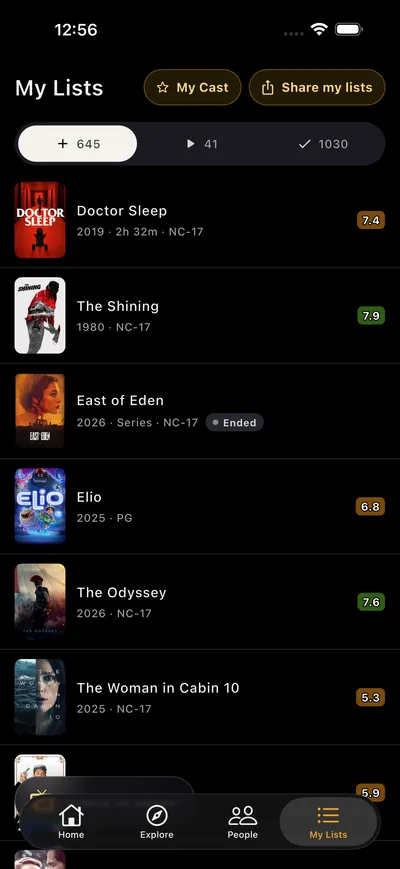
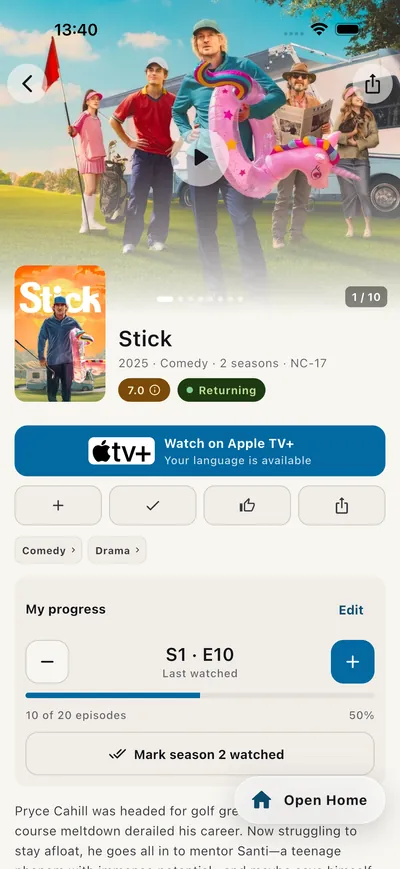
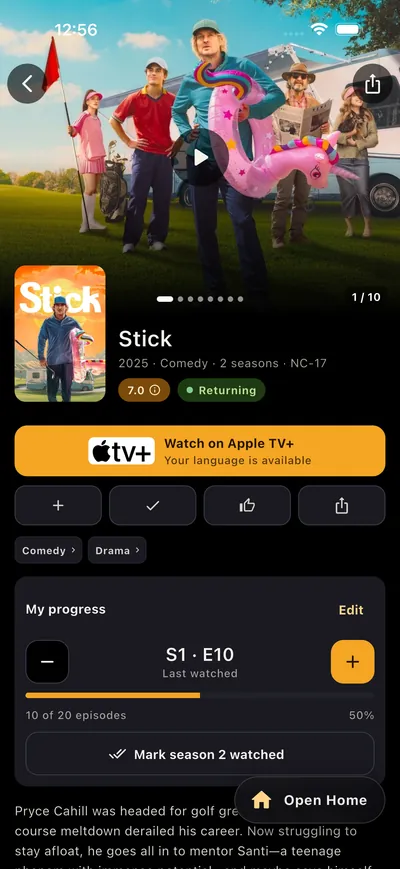
Kids mode
Separate lists and an age limit: 0+, PG or 13+.
Movie & TV show guide & community · iOS and Android
Trailers, where to stream, your watchlist and friends — all in one app.
01 · Discover
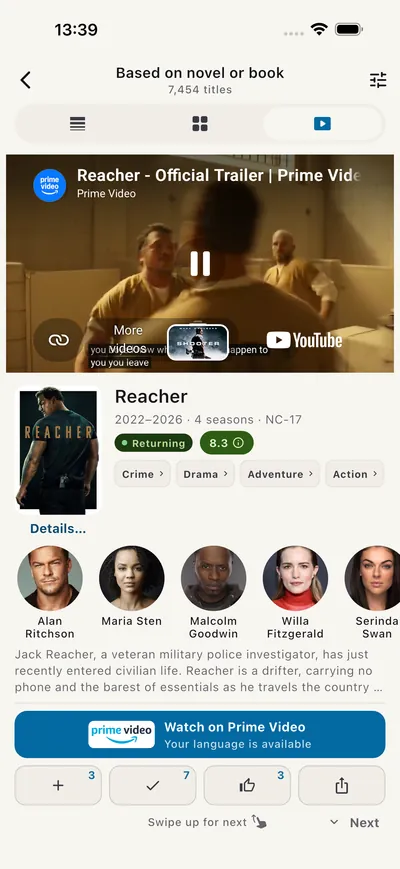
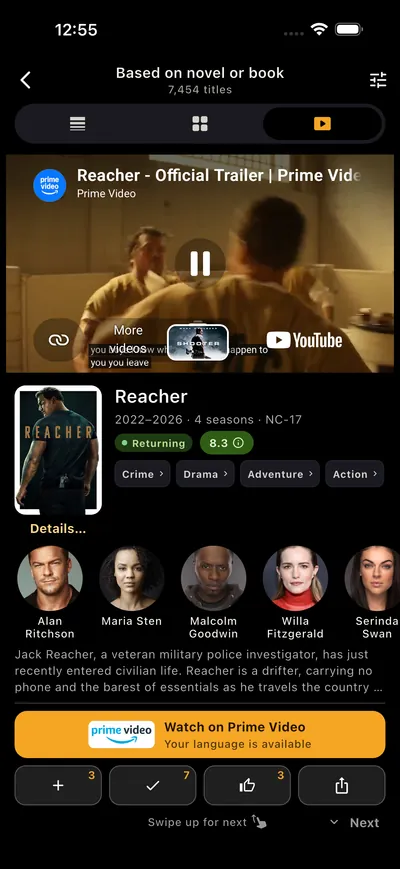
Swipe trailers like short videos and browse what’s trending today.
02 · Track
Mark episodes and seasons and always know what’s next.
03 · Follow
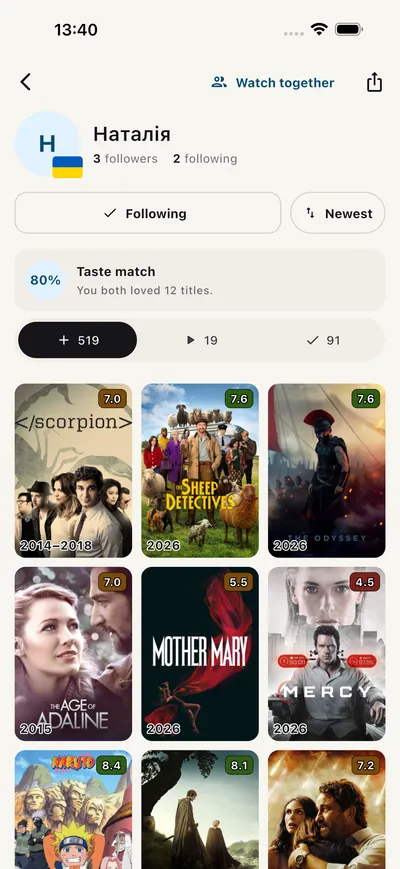
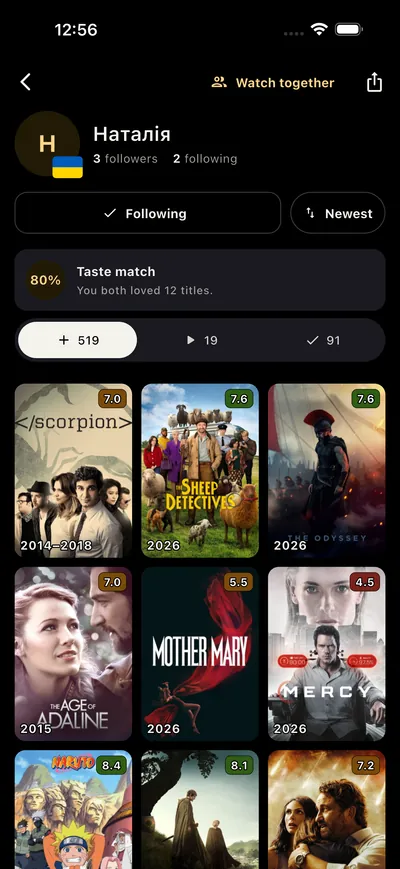
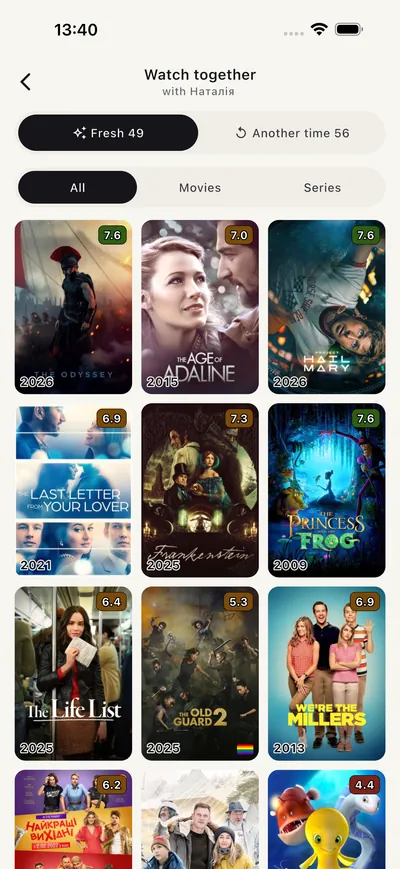
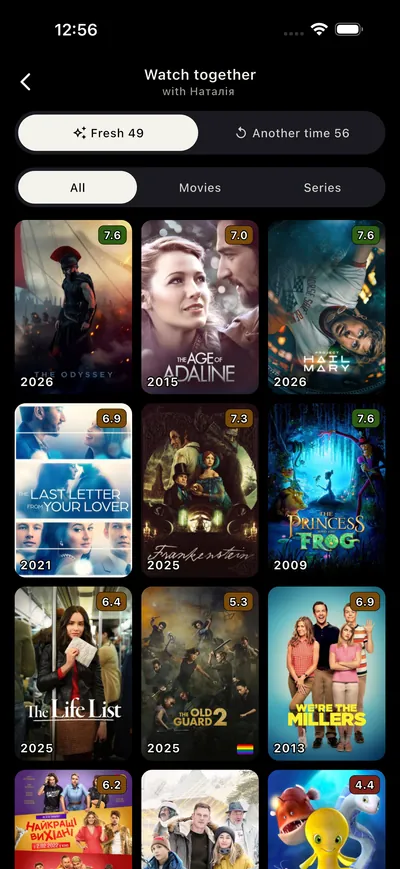
See what friends watch and love, and find titles you both want to see.
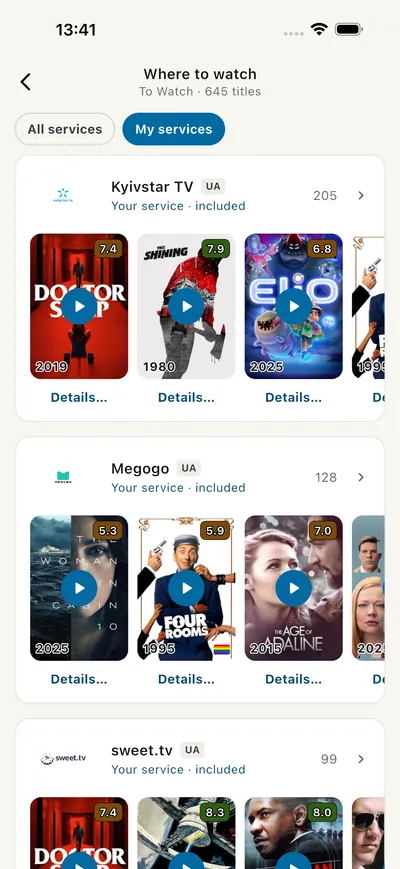
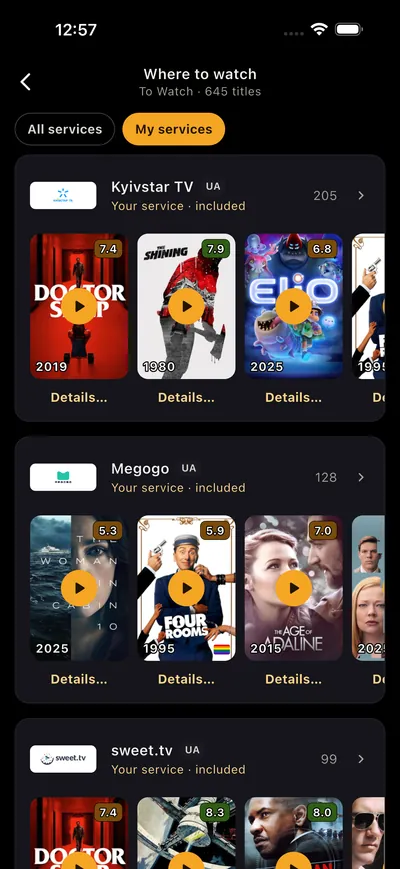
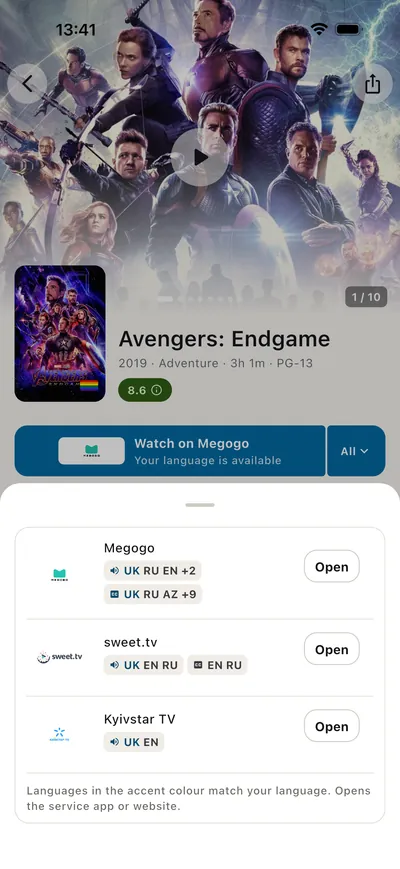
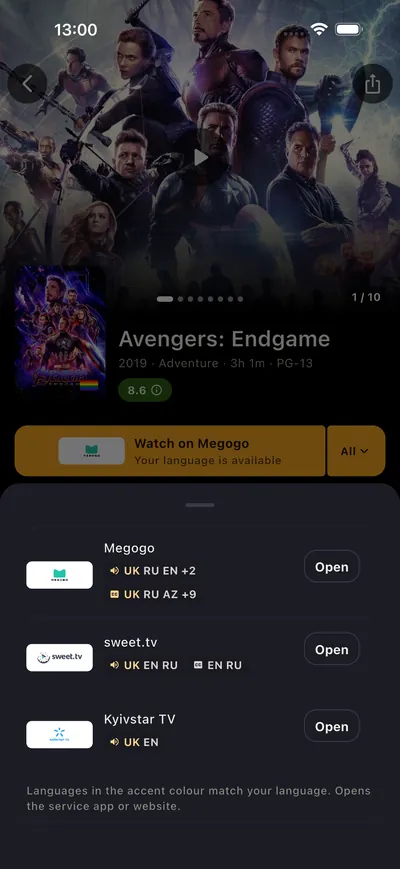
04 · Watch
Every service in your country, yours highlighted, with a button that opens their app. Availability comes from the Streaming Availability API and is refreshed monthly, so it can lag behind recent changes; titles and images come from TMDB.
Tell us which one and we’ll add it: Click to show email
Separate lists and an age limit: 0+, PG or 13+.
No account, no public profile — data stays on your phone.
Start on your phone, continue on your tablet.
Send a title as a link, QR code or poster image.
What to Watch is a movie and TV show guide, tracker and community for iOS and Android. It helps you discover titles through trailers and charts, see which streaming services in your country have a title, and track your watchlist and episodes with friends — in 44 languages.
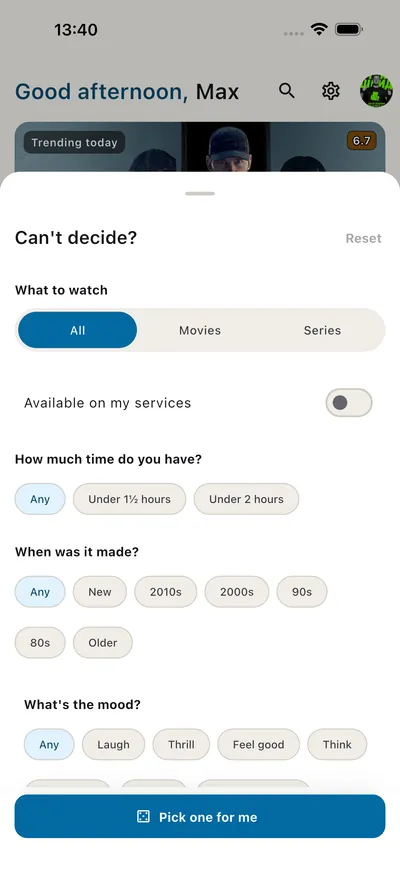
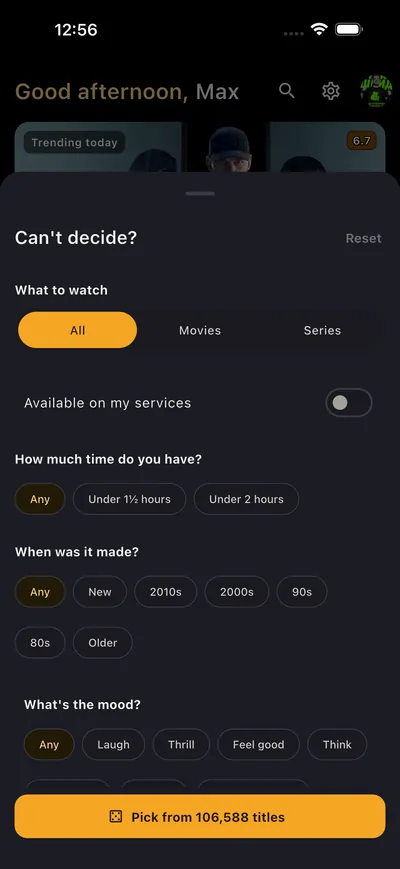
Tap Pick for me when you can’t decide. It looks at what you’ve rated, then narrows the choice with a few quick answers — who’s watching, how much time you have, what mood you’re in, plus era, awards, your streaming services and how adventurous you feel — and builds a swipeable stack of trailers for tonight. Each pick says why it was chosen, for example “Because you liked Interstellar · Fits your mood”, and titles you swipe past never come back. If nothing matches exactly, it loosens one filter and tells you which. You can also browse trending titles, new releases and charts, or explore by genre, country, studio, network or award.
Yes. It lists the streaming services in your country, highlights the ones you have, shows audio and subtitle languages, and opens the title in the service’s app. Availability comes from the Streaming Availability API and is refreshed monthly, so it may lag behind recent changes and coverage varies by country.
Yes. Mark episodes and seasons as watched, see the next episode, and keep To Watch, Watching and Watched lists.
Yes. Follow friends to see what they rate, add and watch, check your taste match, and use Watch together to find titles you both want to see.
No. Use it without signing in; Private mode keeps your data on your phone. Sign in with Google or Apple to sync devices and follow friends.
Yes. Get it from the App Store for iPhone or from Google Play for Android. Sign in with Google or Apple to sync your lists across devices.
Yes. The app is completely free — no purchases, no subscriptions and no ads.
Yes. Kids mode has separate lists and an age limit (0+, PG or 13+); the app’s content is filtered by the age limit you set, and titles above it are blocked.
44 interface languages and streaming availability by country, with a country selector.
On iOS and Android.
